
eSIM
What Should You Fix First If Internet, Alipay, and Didi All Fail After Arriving in China?
Learn what to fix first when internet, Alipay and Didi all fail after landing in China—and when to stop troubleshooting and use another way to reach your hotel.
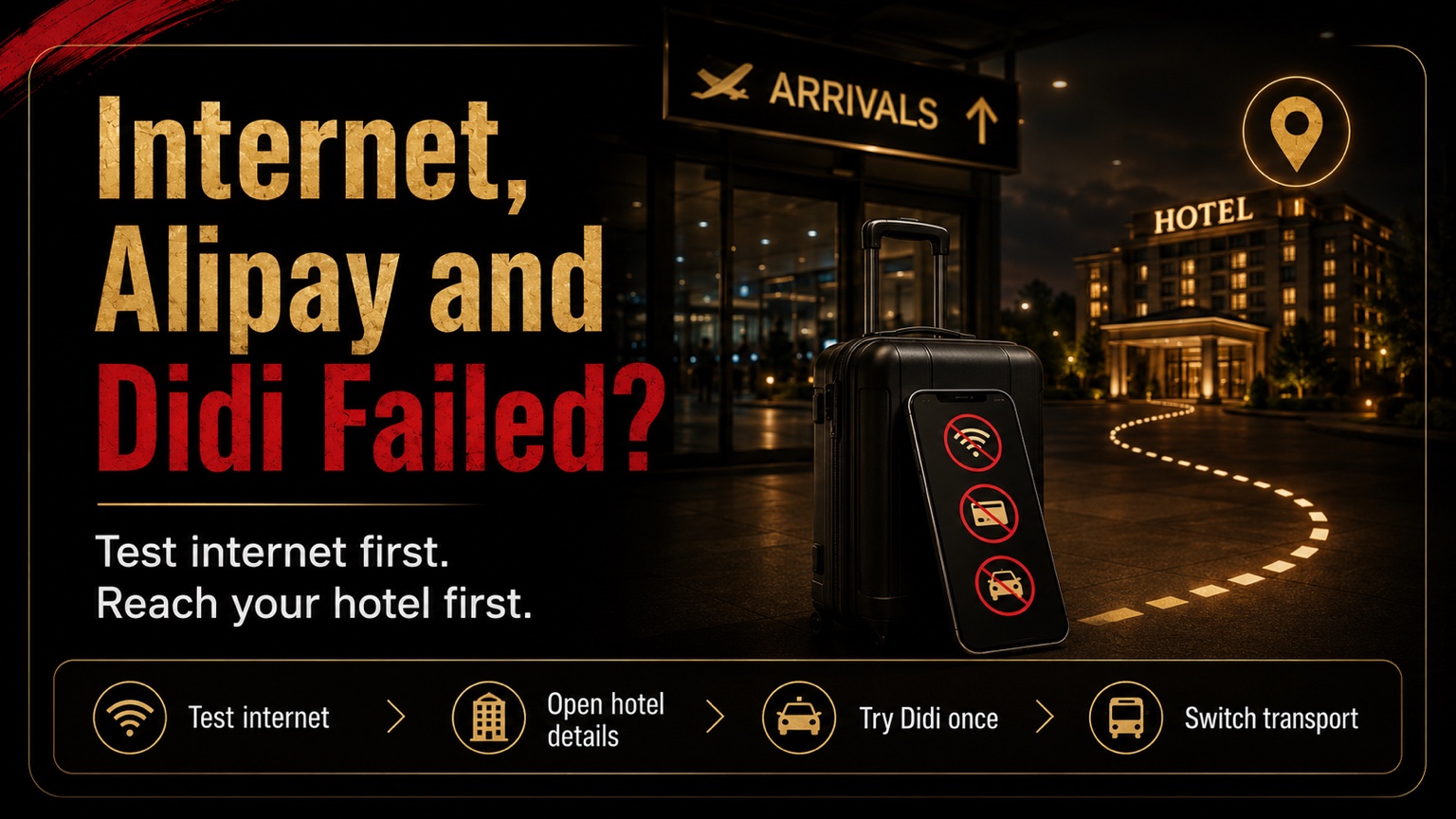
Quick Answer: Test Internet Quickly, Then Get Moving
When internet, Alipay, and Didi all fail after landing in China, check the internet connection first—but only long enough to recover the information you need to leave the airport.
Your real priority is reaching the correct first-night hotel.
Use this order:
| Priority | What to do now | When to move on |
|---|---|---|
| 1 | Check the basic data connection | After about two minutes without progress, try one other temporary connection |
| 2 | Open the hotel address, booking, and arrival notes | Once the information is visible or available offline |
| 3 | Make one complete Didi attempt | Stop when location, pickup, login, payment, or booking remains blocked |
| 4 | Follow airport signs to official transport | Choose what is operating and practical at that airport |
| 5 | Repair Alipay and the long-term setup at the hotel | After you are checked in, charging the phone, and no longer under arrival pressure |
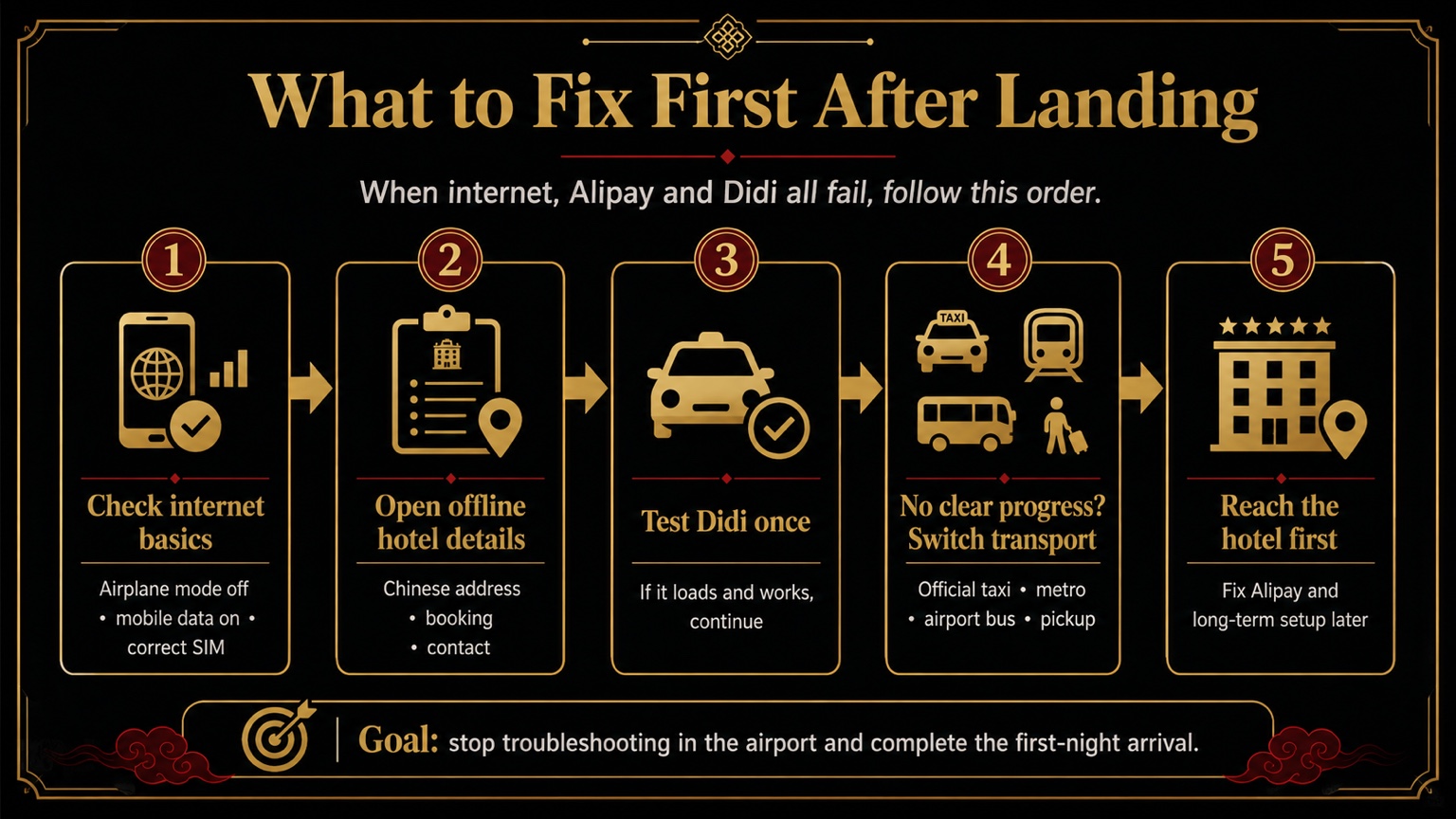
Do not spend arrival night moving between apps, changing settings repeatedly, and contacting several support channels. Recover the minimum information, try Didi once, and switch transport when the route to the hotel is still unclear.
Check Whether the Phone Has No Data or Only One Service Is Failing
Start with three basic checks:
- Turn off airplane mode.
- Turn on mobile data.
- Confirm that the intended SIM or eSIM is selected for data.
Dual-SIM phones are easy to misconfigure. The travel eSIM may be installed while the home SIM still controls mobile data, or roaming may be active on the wrong line.
Then test two different things. Open a hotel or airline booking, and open a normal webpage or one China-based app.
When nothing loads, the phone probably has no usable data connection. Try the connection you prepared for arrival: a data eSIM, international roaming, airport Wi-Fi, or a travel companion's hotspot.
When some pages load but one overseas service does not, the phone may already be online. Changing the eSIM repeatedly will not repair an Alipay account, a bank-card problem, or a Didi booking step.
The temporary connection only needs to do three jobs:
- display the hotel details;
- show the airport transport choices;
- support one short Didi attempt.
Low battery changes the priority. Reduce brightness, switch on low-power mode, and stop refreshing nonessential apps. Keep the remaining charge for the hotel address, translation, transport, and necessary contact.
Open the Hotel Details Before Trying Didi
As soon as something loads, open the first-night hotel information.
You need:
- the hotel name in English and Chinese;
- the full Chinese address;
- the correct branch;
- the hotel phone number;
- the booking name and date;
- the booking confirmation;
- a saved map pin;
- entrance, building, or mall details;
- pickup instructions if transport was prearranged.
Put the Chinese address on the screen and take a fresh screenshot. A driver, airport information desk, taxi dispatcher, or metro employee can use a clear Chinese address more easily than an English booking title.
When the connection remains unstable, use the material saved before departure. Keep the first-night hotel and arrival plan outside any app that may require a new login. The separate guide explains how to save your first-night hotel and arrival details offline.
Once the destination is clear, make one Didi attempt. Do not begin with Alipay settings or card troubleshooting. Neither task matters as much as knowing where you are going.
Try Didi Once, Then Switch Transport
The current DiDi China listing supports an English interface, global mobile-number login, bilingual in-app communication, and international bank cards. That makes it a reasonable first option when the app is already prepared.
Check only the minimum:
- Does the app open?
- Does it locate you?
- Can it find the correct hotel?
- Can you select the airport pickup point?
- Can the account continue?
- Is a usable payment method available?
- Does the booking produce a clear result?
Give the process one complete attempt, roughly five minutes at most.
Switch transport when:
- the pickup point remains unclear;
- the location does not load;
- login or verification keeps repeating;
- the payment step will not continue;
- the booking produces no clear progress;
- the driver cannot contact or find you;
- the phone battery is falling quickly;
- you have children, older travelers, heavy luggage, or another reason to avoid more delay.
At that point, put the phone away and follow the airport's own signs.
Look for:
- Taxi
- Metro
- Airport Bus
- Ground Transportation
- Transportation Center
- Information
- Hotel Shuttle
For a taxi, use the airport's official queue and show the dispatcher or driver the Chinese hotel address. Confirm the destination and available payment method before leaving.
For the metro, ask whether service is still running, where to transfer, and which exit is closest to the hotel. Official guidance for foreign visitors lists station ticket offices and self-service machines as possible ticket-purchase paths, with payment options depending on the local facilities and signage.
For an airport bus, show the hotel address and ask which stop is closest, whether another taxi is needed afterward, and how the ticket can be purchased.
For a prearranged pickup, use the saved meeting point, flight number, order details, and contact information. Follow the current airport signs and staff instructions whenever they differ from an old screenshot.
Leave Alipay Until After Check-In
A working connection can load Alipay, but it cannot automatically repair identity verification, a linked card, bank authorization, or a failed transaction.
Alipay's current app listing says foreign visitors can connect a credit card for payments in China. Your own account and card still need to complete the actual transaction.
At the airport, ask the transport desk or cashier what is accepted there:
- RMB cash;
- a physical bank card;
- mobile payment;
- another staffed ticket counter.
China's official payment guidance lists mobile payment, bank cards, and RMB cash as payment options for overseas visitors. Transport facilities differ, so check the sign, machine, cashier, dispatcher, or driver before committing to a route.
A foreign card or cash is a backup, not a universal answer for every taxi, machine, airport bus, or metro system.
For the full payment setup, use the guide to prepare payment backups beyond Alipay.
The fastest arrival decision is often simple: choose the official transport option you can understand, pay for, and board now. Alipay can wait until you are indoors, seated, and charging the phone.
Repair the Setup at the Hotel and Prepare the Next Arrival Before Flying
After check-in, solve the longer-term problems in this order.
Stabilize the internet
Confirm the selected data line, roaming settings, eSIM status, and whether the hotel Wi-Fi can serve as a temporary backup. Check that the home number can still receive any bank or login codes you may need.
Check Alipay
Open the account, review any identity prompt, confirm the linked card, and look for a bank security message. Keep RMB cash and a physical card available while testing. Do not use an urgent real purchase as the first diagnostic step.
Check Didi
Confirm login, location permission, the hotel address, payment method, and in-app communication. Build a real route from the hotel to a likely destination and stop before submitting a ride you do not need.
Before the next trip, prepare the essential tools as one arrival system rather than three separate apps. Use the guide to prepare the essential China travel apps before landing.
Save these items offline:
- the hotel's Chinese address and phone number;
- the booking confirmation;
- the airport's official taxi, metro, or bus direction;
- a meeting point for any prearranged pickup;
- a small RMB cash backup and a physical card;
- one tested data connection and one fallback;
- a portable charger or enough battery for the arrival.
Internet is the first dependency to test. Reaching the hotel is the first task to complete. Once the destination is clear and Didi has had one fair attempt, changing transport is usually more useful than repairing three apps in the arrivals hall.
Travelers who want their own internet, Alipay, Didi, first-night hotel, and arrival transport checked together can use the China Arrival Readiness Review. The US$69.90 review checks the preparation from landing in mainland China through reaching and checking into the first-night accommodation, or completing the immediately connected onward transport.
Last updated: July 31, 2026. Travel platforms, entry rules, app behavior, prices, and service availability can change. Re-check official sources before departure.
Discussion
Ask a question, share recent experience, or flag information that may be outdated.
0 visible comments
No discussions yet.