Maps
Can Foreign Travelers Rely on Google Maps for Locations and Routes in China?
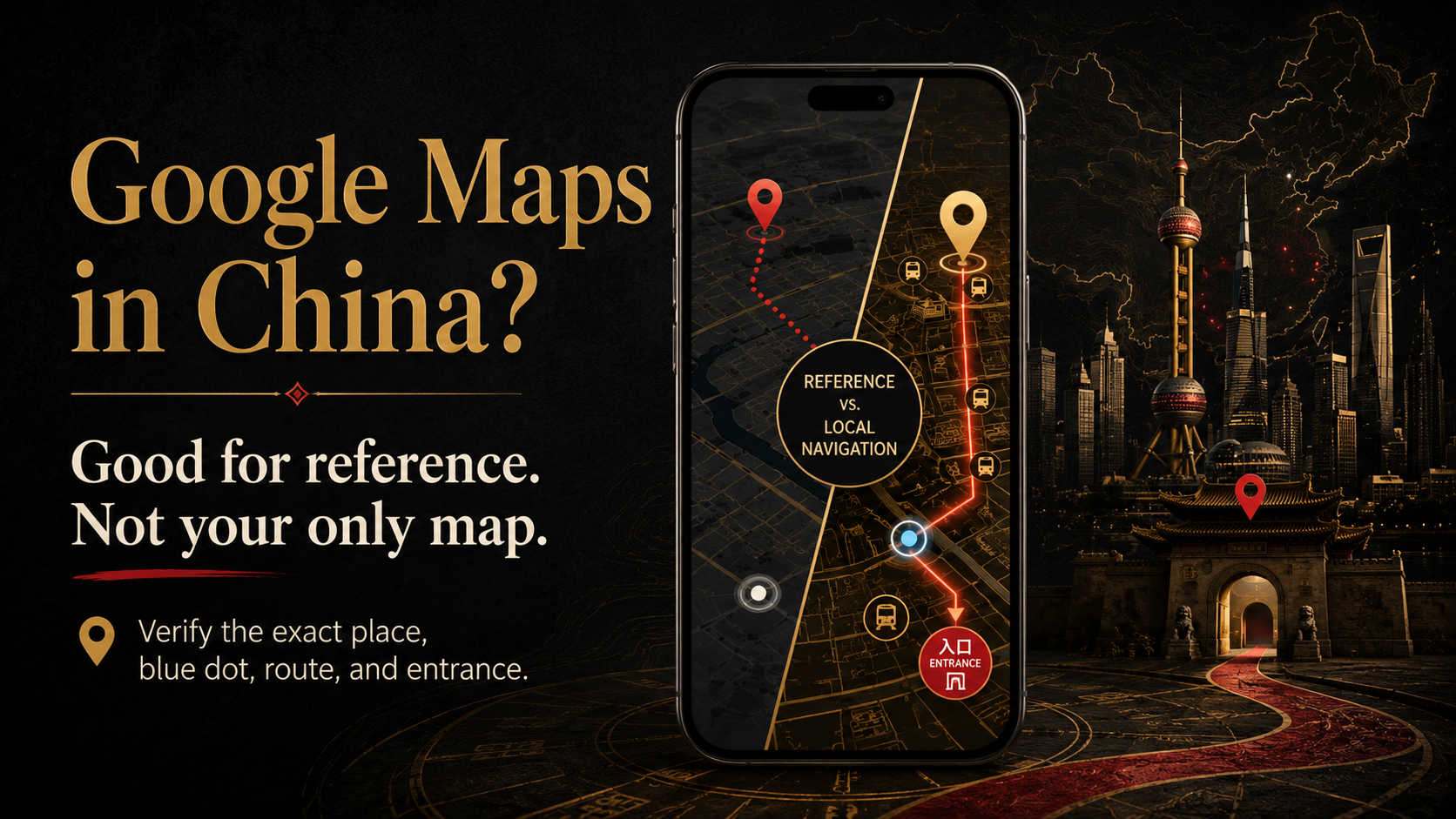
Google Maps can help with broad planning in mainland China, but travelers should verify exact places, entrances, blue-dot positioning, and routes with a tested local map.
Quick answer
You can keep Google Maps for planning and general orientation, but do not use it as your only map in mainland China.
A practical setup is:
- use Google Maps to understand the city and save an initial place list;
- use Amap Global (Gaode Maps / 高德地图) for local place searches and on-the-ground routes;
- save the Chinese name, full Chinese address, exact branch, phone number, and entrance details for your first hotel.
A map opening successfully does not prove that its place data, blue-dot position, transit route, or final entrance is reliable. Google’s own app listing notes that some features are not available in every country or city.
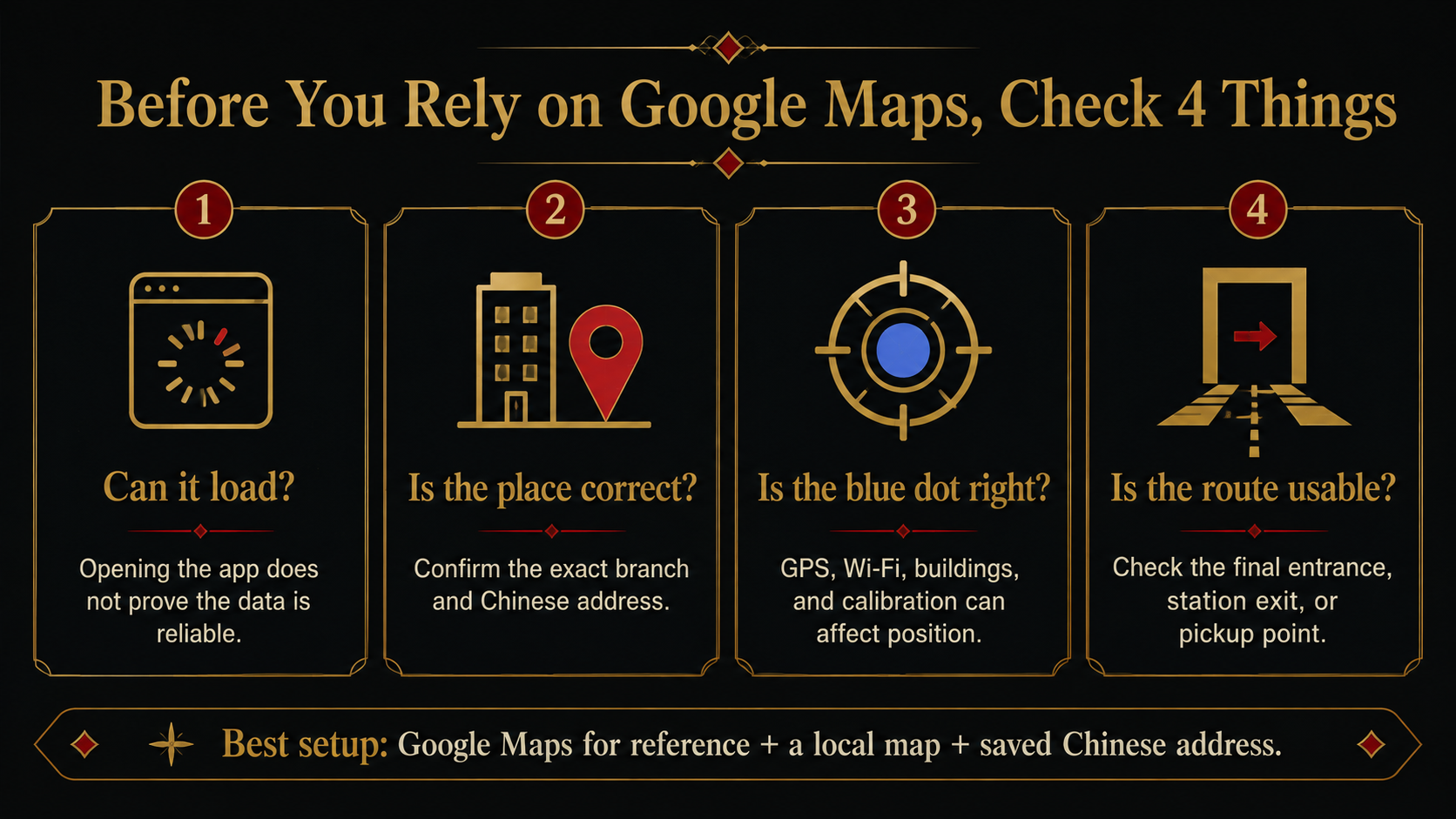
Check four different things
“Does Google Maps work in China?” is too broad. Check these four parts separately.
1. Can the app load?
Your network setup may affect whether Google Maps opens and updates.
International roaming or a travel data plan may solve the connection problem. It does not automatically make local place information, transit data, or entrance details accurate.
2. Is the place correct?
Google Maps can still help you locate major cities, famous attractions, large airports, and main railway stations.
Be more careful with:
- an exact hotel branch;
- a small restaurant or shop;
- a mall or attraction entrance;
- a specific metro exit;
- a railway-station entrance;
- a ride-hailing pickup point.
Similar English names can point to different branches. A marker may also sit in the middle of a large building instead of at the entrance you actually need.
3. Is the blue dot reasonable?
An inaccurate blue dot is not always a China-specific map-data problem.
Google explains that location accuracy can also be affected by GPS, Wi-Fi, mobile networks, tall buildings, parking garages, permissions, and device calibration. A large light-blue circle around the dot means the app is less certain about your position.
If the blue dot jumps to another road or moves around inside a station, do not keep walking in circles. Move to an open area when possible, refresh the location, and compare the map with exit numbers, road names, and signs around you.
4. Can you execute the route?
A route may look complete while the final few hundred feet are wrong or unclear.
The most important questions are usually:
- Which hotel entrance should you use?
- Which metro exit is closest?
- Which gate does the attraction accept?
- Where is the ride-hailing pickup zone?
- Which airport terminal or station entrance do you need?
A small detour is manageable during a casual walk. It matters much more when you are catching a train, meeting a driver, checking in late, or arriving for a timed reservation.
What Google Maps is still useful for
| Travel task | Can Google Maps help? | What still needs checking? |
|---|---|---|
| Understanding where cities and major sights are | Yes | Use it for general orientation |
| Comparing the rough location of a hotel and attractions | Yes | Recheck the exact branch and entrance |
| Building an initial list of places | Yes | Confirm current names, branches, and opening information |
| Finding an exact hotel branch | Not by itself | Check the Chinese name, address, district, and branch |
| Choosing a metro exit or attraction gate | Not by itself | Confirm in a local map and with on-site signs |
| Following current local transit or walking directions | Not by itself | Recheck the route in a local map |
| Finding a ride-hailing pickup point | Not by itself | Follow the ride-hailing app and pickup-zone signs |
| Making a time-sensitive airport or station connection | Not by itself | Confirm the terminal, entrance, route, and time buffer |
The simple rule is: Google Maps can answer “Where is this area?” It should not be your only answer to “Which entrance do I use right now?”
Use Amap for local navigation
For most travelers, Amap Global is the more useful tool for searching places and following routes inside mainland China.
In normal use, you can usually search for a place, plan a route, and start navigation without first creating an account or linking a mainland Chinese phone number. Signing in is mainly useful for features such as saved places, history, and synchronization.
Install it before departure and test it on your own phone. App-store availability, language options, and some functions can differ by device, account, region, and app version.
iPhone users can also keep Apple Maps as a second option. Android users should make sure the version they install can search Chinese addresses and open a real route.
If Amap shows a login or phone-number prompt, first close it and test the exact task you need. Basic search or routing may still work. For the full fallback process, see what to do if Amap asks for a Chinese phone number.
Verify one real destination before you fly
Use your first-night hotel. Do not test only a city name or famous landmark.
Get the official details
From the hotel, booking platform, or confirmed reservation, save:
- the hotel’s full Chinese name;
- the English name;
- the complete Chinese address;
- the city and district;
- the exact branch;
- the public phone number.
A hotel chain may have several properties in one city. The brand name alone is not enough.
Search it in both maps
Search the hotel in Google Maps, then copy the Chinese name or full Chinese address into Amap.
Check whether:
- both results are in the same district;
- the Chinese address matches your booking;
- the result is the correct branch;
- nearby roads and buildings make sense;
- the marker shows a usable entrance rather than the center of a complex.
When the English Google Maps result conflicts with the confirmed Chinese address, stop relying on the English place name.
Check the final entrance
Zoom in and identify the road, gate, tower, mall side, or lobby entrance you need.
Save a screenshot showing the surrounding roads and entrance area. This is more useful on arrival than a marker with no context.
When sources disagree, use this order:
- the property’s official Chinese name and address;
- your confirmed booking details;
- the matching branch and entrance in a local map;
- Google Maps for general reference.
No single source is guaranteed to be perfect. The goal is to make the name, address, branch, and surrounding roads agree.
Run one route test before departure
Take five to ten minutes and complete this test:
- Search for your first-night hotel in Amap.
- Confirm the Chinese name, address, district, and branch.
- Search for your arrival airport or railway station.
- Open a route from the arrival point to the hotel.
- Check the hotel entrance or intended drop-off area.
- Save the hotel’s Chinese address, phone number, map pin, and screenshots.
Do not leave all of this inside an email or booking app that may ask you to sign in again. Save the essentials in your phone’s photo library or another offline folder.
For the wider offline checklist, save your first-night address and map details offline. For the rest of your essential tools, build a minimum China travel app setup.
Final recommendation
Keep Google Maps, but give it the right job.
Use it for pre-trip research and broad orientation. Use Amap for local searches and route navigation in mainland China. Keep the exact Chinese address and screenshots as the backup when the network, search result, or blue dot does not cooperate.
Travelers who want their actual arrival airport or station, first-night hotel, map tools, internet setup, and transfer plan checked together can have their actual arrival map, hotel, and transfer setup reviewed through the US$69.90 China Arrival Readiness Review. It is a pre-arrival readiness review, not real-time navigation or a guarantee that third-party apps and transport services will always work.
Information checked: August 4, 2026
Last updated: August 4, 2026. Travel platforms, entry rules, app behavior, prices, and service availability can change. Re-check official sources before departure.
Discussion
Ask a question, share recent experience, or flag information that may be outdated.
0 visible comments
No discussions yet.