
Travel Basics
What Can Short-Term Foreign Travelers Do When Amap, Meituan, or Dianping Requires a Chinese Phone Number?
See which Amap, Meituan and Dianping tasks may still work without +86, what alternatives short-term tourists can use and when a Chinese SIM is worth it.
Quick Answer
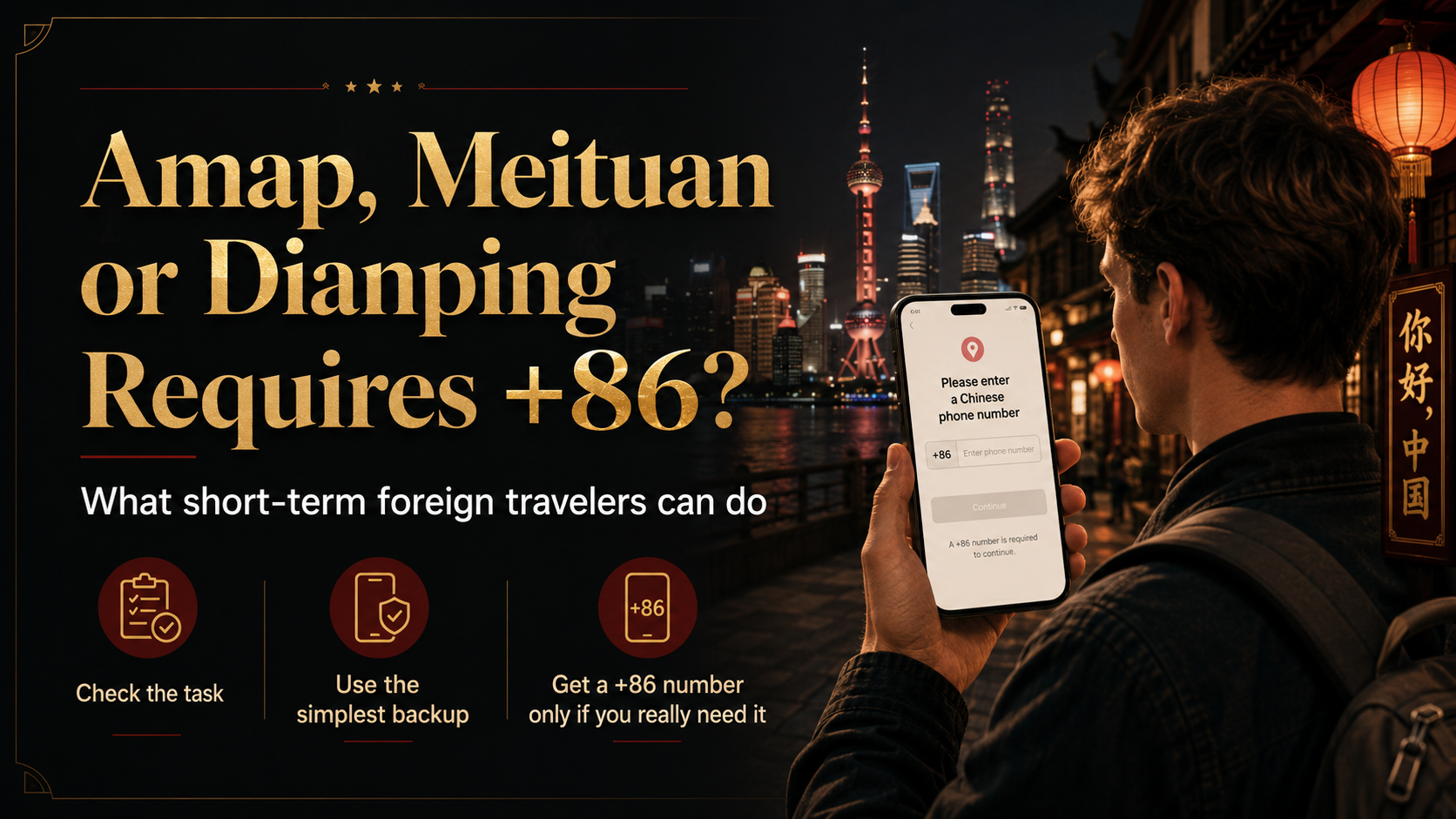
A +86 phone-number prompt in Amap, Meituan, or Dianping does not automatically make the whole app useless. First identify the exact action that is blocked.
You may still be able to search for a place, view a route, or read restaurant listings without completing every account step. Phone verification is more likely to appear when you sign in, save information, join an online queue, make a reservation, claim a deal, place a delivery order, or handle customer service.
For a short trip, solve the travel task instead of spending an hour trying to unlock every local-app feature. Switch maps when navigation is blocked. Eat in person when delivery will not work. Walk in early or ask your hotel to call when online reservations are unavailable.
A real Chinese +86 number becomes useful when your trip repeatedly depends on delivery, local reservations, online queues, local SMS, or ordinary phone calls. One blocked feature by itself is rarely enough reason to reorganize a short trip around a local phone number.
Start With the Task, Not the App
Browsing, signing in, and completing a transaction are different stages.
An app may let you view a restaurant but ask for a number when you claim a coupon. A map search may work before login while saved places require an account. A delivery page may open normally but stop when you enter the address, payment, or contact details.
Use the blocked task to choose your next move:
| What you need to do | Try first | Simple backup |
|---|---|---|
| Find a hotel, station, or restaurant | Close the login prompt and search by Chinese name or address | Use another tested map or a saved map pin |
| View restaurant photos and reviews | Browse Amap or Dianping without signing in | Use another place-search tool or the restaurant directory inside a mall |
| Join a queue or reserve a table | Check whether the action can be completed with your account | Walk in earlier, contact the restaurant, or ask your hotel to call |
| Use a coupon or group deal | Check the final account and payment requirements | Pay the normal in-store price |
| Order food or local delivery | Test your own number, address, and payment | Dine in, get takeout, visit a convenience store, or use hotel dining |
| Receive calls from a rider or merchant | Use a number you can keep and answer | Choose a service that does not depend on local phone contact |
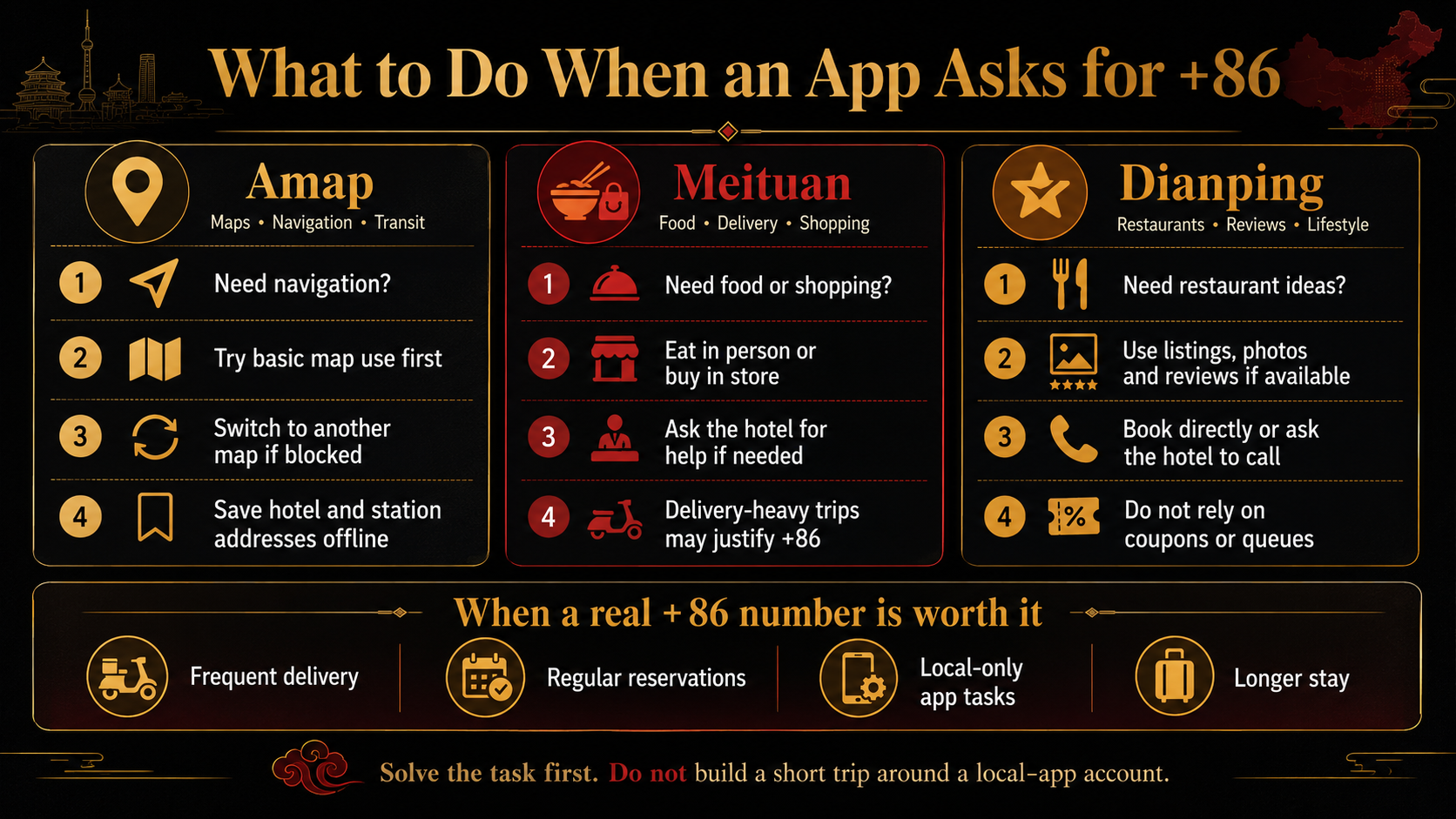
The goal is not to create accounts in all three apps. It is to keep navigation, food, reservations, and basic shopping moving with the least friction.
For the wider app-preparation decision, use the guide to build a minimum China travel app setup.
Amap: Keep Navigation Moving
Amap Global's current app-store description highlights hotel routes, taxi and transit planning, nearby food and place rankings, and other features aimed at travelers visiting China.
For a short-term traveler, the most important Amap tasks are usually simple:
- find the first-night hotel;
- search for an airport or railway station;
- check a walking or public-transit route;
- confirm a restaurant or attraction location;
- copy a Chinese address into a ride-hailing service.
A +86 prompt can appear without meaning that every map function is blocked. Amap's current privacy policy describes account registration and login separately from map services such as location, map browsing, search, route planning, walking, public transit, and navigation. Phone-number registration or one-tap login uses a phone number as account information. Amap also supports third-party sign-in through Alipay, Taobao, WeChat, QQ, Weibo, Apple, and phone-system accounts.
Those sign-in options are not a guaranteed way around later verification. Account-dependent or transaction-based functions may still ask for additional login details or phone verification. Amap's ride-hailing services, for example, can involve account information, a phone number, location, and trip information. Behavior may also differ by device, region, and app version.
So when a phone-number page appears, first ask: Which exact action triggered it? Close the prompt and test the task you actually need: search for the place, open the route, and try walking, transit, or navigation. Basic map tasks may still work without completing phone verification.
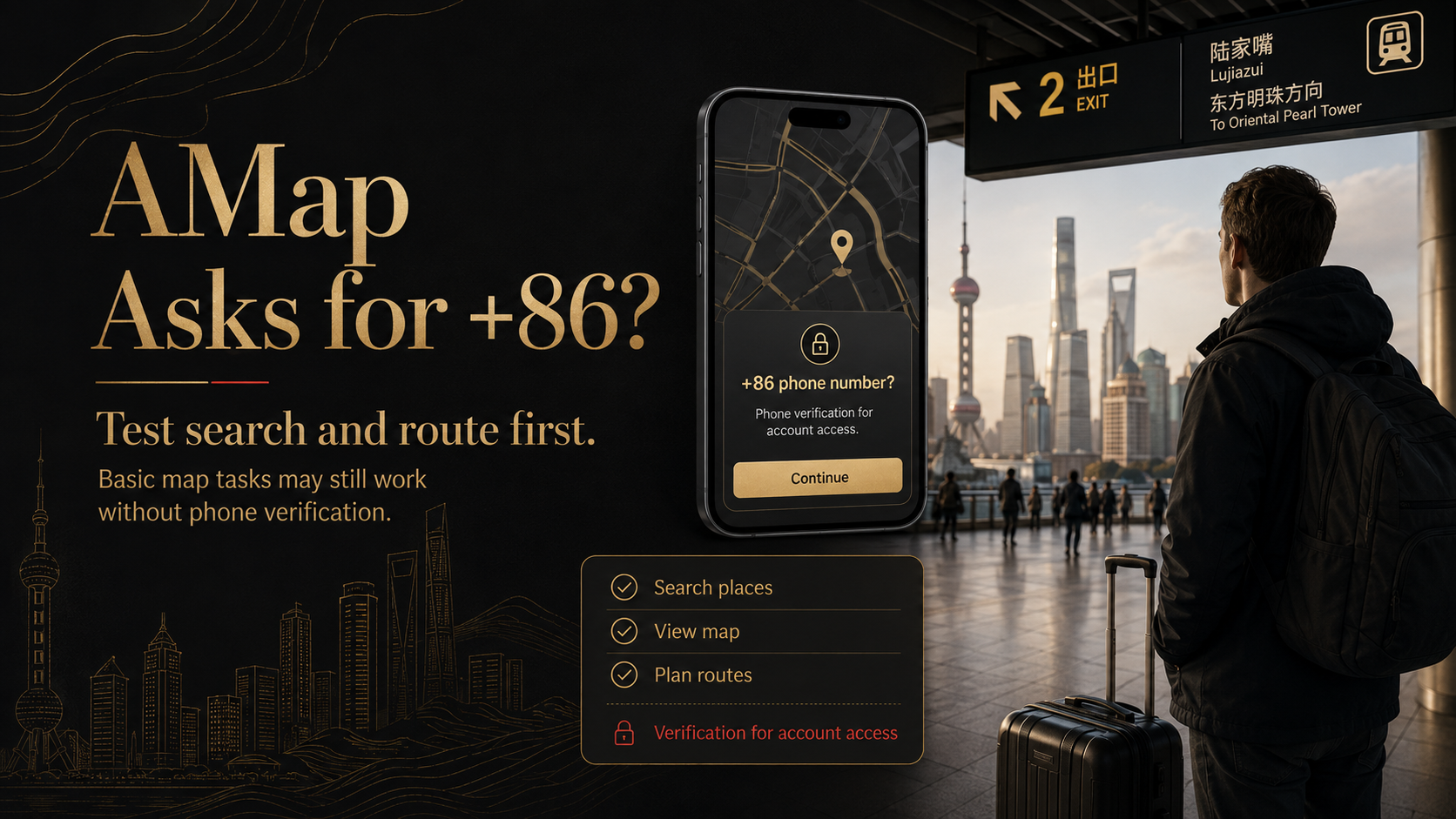
Use the Chinese hotel name or address when the English result is unclear. Save the first-night hotel, arrival point, and major stations as screenshots or map pins before the trip.
If search, route planning, or navigation itself remains blocked, switch to another map you have already tested. A correct Chinese address and a saved location pin are more useful at that moment than a half-finished account.
Do not spend arrival night fixing saved lists, synchronization, ride-hailing, or other account features unless they are essential to your itinerary. The immediate job is reaching the correct place.
Meituan: Separate Eating and Shopping From Delivery
Meituan covers food delivery, local shopping, restaurant services, deals, and many other daily-life functions. Shanghai's current English Meituan guide shows a sign-up flow that asks for a phone number and an SMS verification code.
Start with what you actually need.
When the goal is simply to eat or buy basic supplies, the fastest alternatives are usually nearby:
- visit a restaurant in person;
- use a mall food floor;
- buy water and essentials from a convenience store or supermarket;
- find a store through a map and pay at the counter;
- ask the hotel what is open nearby.
Delivery is more demanding because the order may depend on a usable account, a detailed address, online payment, rider contact, and after-sales support. A hotel name alone may not be enough. The rider may need the correct entrance, building, lobby, floor, or room-delivery instructions.
Test your own number and account before relying on Meituan for the first night. When the order cannot be completed, use hotel dining, get takeout, or buy what you need in person.
Hotel staff may help identify a nearby restaurant, explain the delivery location, or contact a merchant. That is different from attaching an employee's phone number to your personal account.
Dianping: Use It for Discovery, Then Replace Blocked Actions
Dianping's current store listings emphasize restaurants and other local places, addresses, photos, reviews, and group-buying deals.
When listings open without login, use Dianping as a research tool:
- compare restaurant and dish photos;
- read recent reviews;
- check the address and opening hours;
- copy the Chinese restaurant name;
- move the address into your map;
- decide whether the location is worth visiting.
The later actions may be harder without a working account. Online queueing, reservations, coupons, payments, and merchant contact can introduce another verification step.
Replace each blocked action separately:
For a queue: arrive earlier and take a number in person.
For a reservation: use the restaurant's public contact details or ask your hotel to call.
For a deal: pay the regular price at the restaurant.
A coupon is rarely worth building a temporary account around. For a short trip, the time saved by paying the normal price can matter more than the discount.
Avoid Fragile Account Shortcuts
WeChat, Alipay, a Mini Program, or another third-party login may provide a different entry point. It can be worth trying, but reaching the service page does not finish the whole task.
Phone verification may still appear when you:
- submit an order;
- enter delivery details;
- join a queue;
- reserve a table;
- request a refund;
- contact a rider or merchant;
- pass an account-security check.
Temporary SMS services are a poor foundation for travel accounts. The number may stop working before you need another login code, refund message, or customer-service reply.
A hotel employee's, driver's, or stranger's number creates the same problem. The account and future verification messages remain tied to a phone you do not control.
Use your own stable number when an account genuinely matters. Otherwise, switch to a path that completes the travel task without creating that account.
Decide Whether a Real +86 Number Is Worth It Before You Fly
A data-only travel eSIM normally gives you internet access, not a mainland Chinese phone number, local SMS, or ordinary local calls.
A real +86 number becomes more useful when several of these apply:
- you will stay in China for longer;
- you expect to order food or local delivery frequently;
- you need repeated restaurant reservations or online queues;
- riders, hotels, restaurants, or local businesses need to call you;
- several important tasks require mainland SMS verification;
- you visit China regularly and will use local services again.
For a short city trip built around maps, ride-hailing, hotels, transport bookings, in-person dining, and ordinary shopping, practical backups may be easier than adding another phone line.
Use the separate guide to decide whether your trip actually needs a Chinese +86 number.
Before departure, test the exact actions on your own phone:
Amap
- Search for your first-night hotel.
- Search for the arrival airport or station.
- Open one walking or transit route.
- Save the Chinese address and a map pin offline.
Meituan
- Open a real restaurant or store.
- Try your own phone number.
- Check whether the SMS arrives.
- Open the delivery flow and see whether you can enter the hotel address and payment details.
- Stop before placing an order you do not need.
Dianping
- Search for a real restaurant.
- Open its photos, reviews, address, and hours.
- Check where queueing, reservations, or deals ask you to sign in.
- Save a second way to find or contact the restaurant.
Write down one backup for every blocked task. That may be another map, an offline address, a walk-in restaurant, a convenience store, hotel dining, or help calling a restaurant.
After completing these checks, travelers who want their internet, phone-number access, essential apps, payment setup, first-night hotel, and arrival transport reviewed together can use the China Arrival Readiness Review. It is a $69.90 manual readiness review for the period from landing in China to reaching the first-night hotel.
Last updated: August 11, 2026. Travel platforms, entry rules, app behavior, prices, and service availability can change. Re-check official sources before departure.
Discussion
Ask a question, share recent experience, or flag information that may be outdated.
0 visible comments
No discussions yet.